


The client application consists of two panels. The first is the X-Server panel. An application can be run on
the server, and the graphical output is redirected to the java application. This is very useful when one wants
to run graphical programs from a machine that has no graphical output, ie., one can only log into it using
a console. The following is an example of how to use the X-Server.
To access the server through a terminal, it is not necessary to log onto the server. If the server starts a
terminal, then it will appear in the X-Server tab of the client application. To do this, the server must know
where the client application is. This can be done by pointing the system DISPLAY variable to the
ip address of the client machine, as in the following example;
export DISPLAY=136.206.18.54:2.0
The number after the colon is the port number that the X-Server is running on. To run a remote terminal on
the client X-Server, the following should be typed into the server;
Eterm &
This produces the following picture on the X-Server panel of the client application;
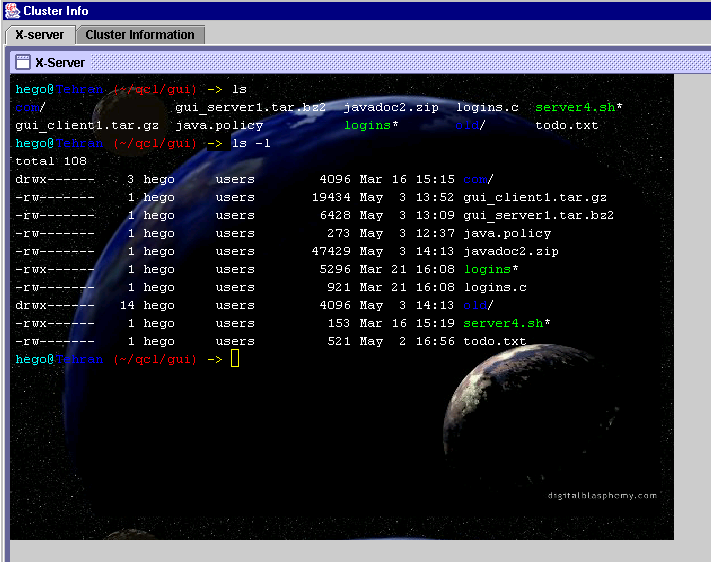
One can type in unix commands, such as the ls command shown on screen, and the response to the
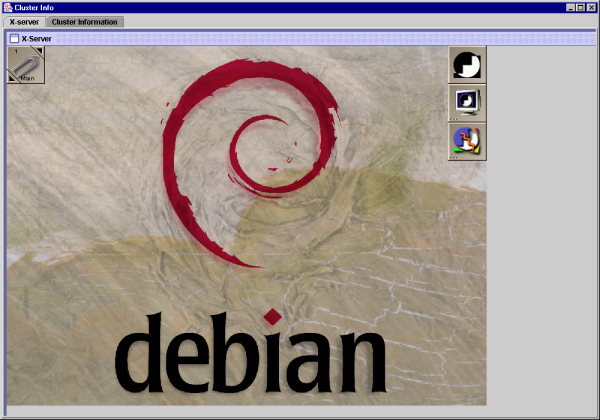
command will appear on the screen. A more graphical example of the X-Server, is if the wmaker
window manager is run from the server. This results in the following screenshot;
The X-Server is used in this project to allow the displaying of the Bloch Sphere graphical application.